EasyCoding

  • 홈
  • 태그
  • 방명록
  • 카테고리

Windows 10 2

윈도우10에 매직미러 설치 하기(3장: 자동실행)

Chapter3 : Auto start 1.Important!! : Install kiosk plugin on Chrome https://chrome.google.com/webstore/detail/kiosk/afhcomalholahplbjhnmahkoekoijban 2. Open "Command Prompt" by entering "cmd" 3. cd C:\Users\username\AppData\Roaming\Microsoft\Windows\Start Menu\Programs\Startup 4. notepad autorunmm.bat cd c:\MagicMirror node serveronly 5. notepad autorun_chrome.bat cd c:\Program Files (x86)\Goog..
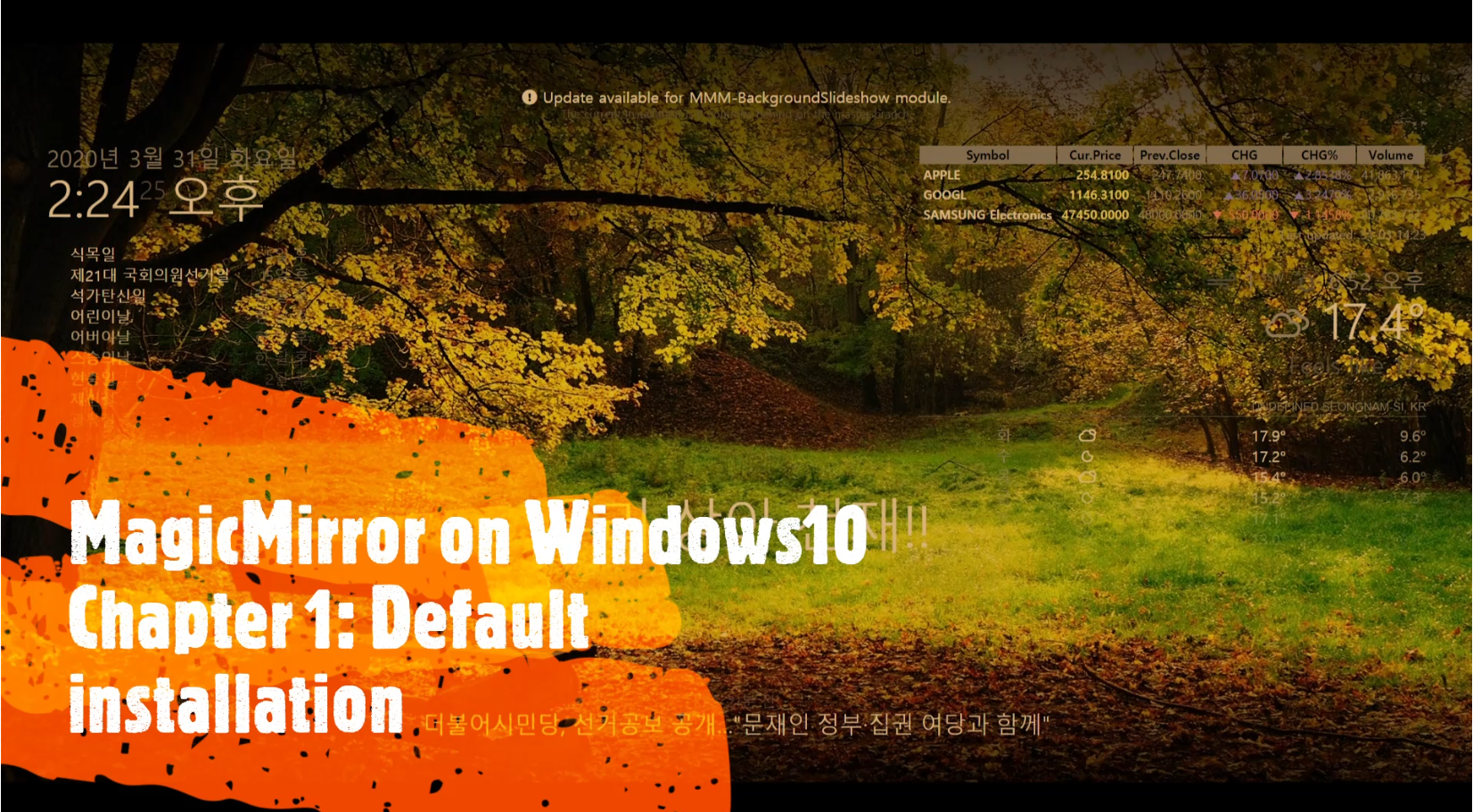
윈도우10 프로젝트 2020.12.23

윈도우10에 매직미러 설치 하기(2장: 모듈 설치 하기 )

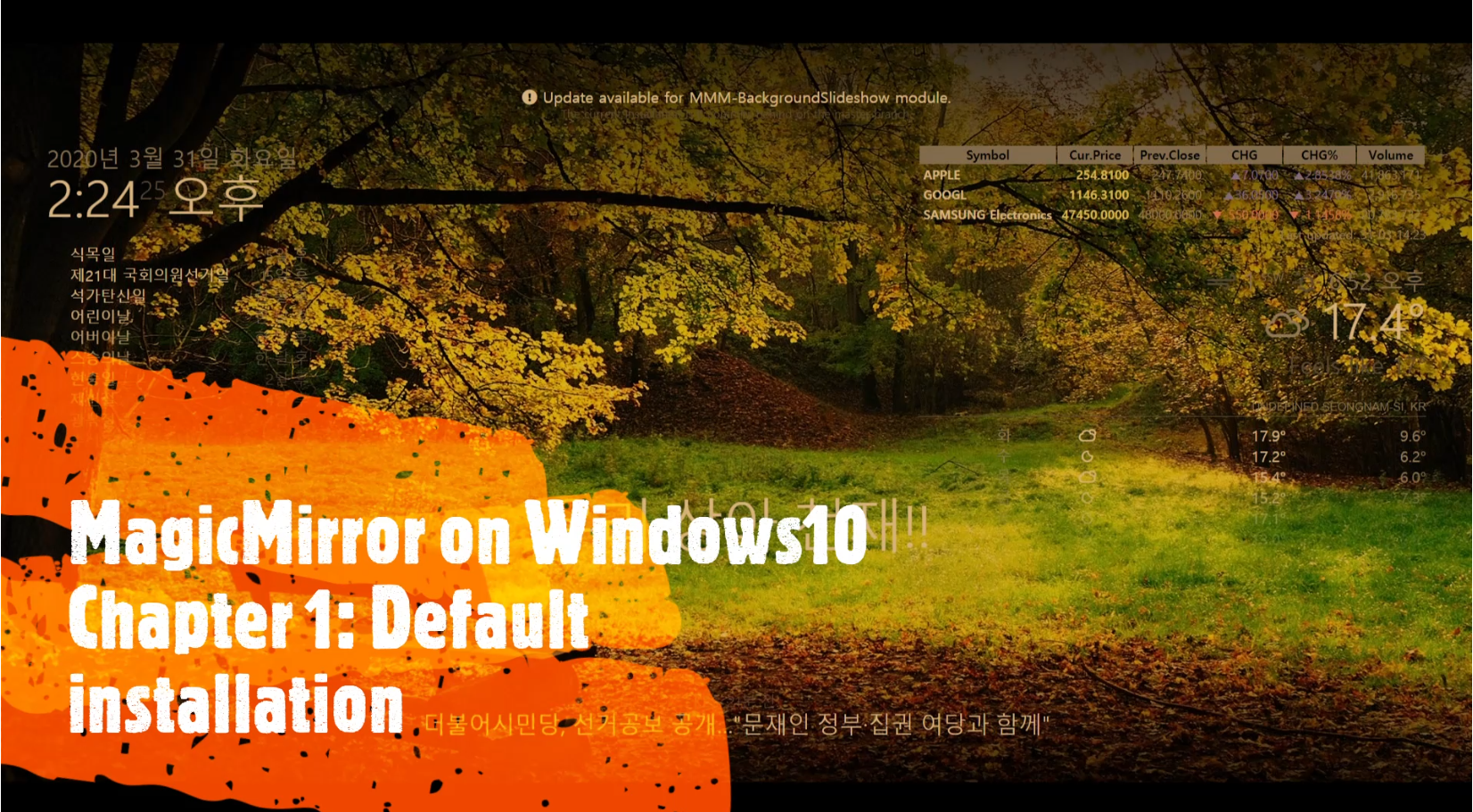
2장에서는 각종 기능을 추가 할수 있는 모듈 설치 방법을 알려드립니다 ** Chapter 2: Module install git from https://git-scm.com/ Run Git-bash $ cd /c/MagicMirror/modules git clone https://github.com/darickc/MMM-BackgroundSlideshow.git cd MMM-BackgroundSlideshow. npm install cd /c/MagicMirror/config notepad config.js On Google, search magicmirror module and click Entertainment and find MMM-BackgroundSlideshow Copy & paste belo..

윈도우10 프로젝트 2020.12.23
이전
1
다음
더보기
프로필사진

EasyCoding

누구나 따라하면서 배울 수 있는 쉬운 코딩 및 인공지능 강좌를 연재 합니다

  • 분류 전체보기 (236)
    • 인공지능_머신러닝 (29)
    • 출시작품 (7)
    • Javascript (11)
    • Python (5)
    • Opencv (7)
    • Visual Studio (2)
    • 윈도우10 프로젝트 (3)
    • 윈도우10 Tips&Tools (28)
    • 라즈베리파이 프로젝트 (3)
    • 제품리뷰 (4)
    • 유튜브영상제작팁 (3)
    • 주식 증권 (5)
    • React (3)
    • VS Code (3)
    • Ruby on Rails (2)
    • Nodejs (3)
    • Laravel (1)
    • Vue (1)
    • 유용한 정보 (51)
    • 요리 (4)
    • 캠핑 (9)

Tag

smart mirror, pm8003, 클라우드피크2, Magicmirror, VisualStudio, 윈도우10, OpenCV, 패션 후기, windows10, Magic Mirror, 굴업도, 인공지능관상, s25ultra, Aiyima t9 pro, s25 ultra, S25, 덕적도, 네이쳐하이크, smartmirror, s25울트라,

최근글과 인기글

  • 최근글
  • 인기글

최근댓글

공지사항

페이스북 트위터 플러그인

  • Facebook
  • Twitter

Archives

Calendar

«   2026/04   »
일 월 화 수 목 금 토
1 2 3 4
5 6 7 8 9 10 11
12 13 14 15 16 17 18
19 20 21 22 23 24 25
26 27 28 29 30

방문자수Total

  • Today :
  • Yesterday :

Copyright © AXZ Corp. All rights reserved.

티스토리툴바